Marking items out-of-stock
Managing item availability is essential for maintaining guest trust and preventing unfulfillable orders during busy event windows. This guide will walk you through how to toggle item statuses, and ensure your digital storefront reflects your real-time kitchen inventory in Rally catering.
Log into the Menu Manager
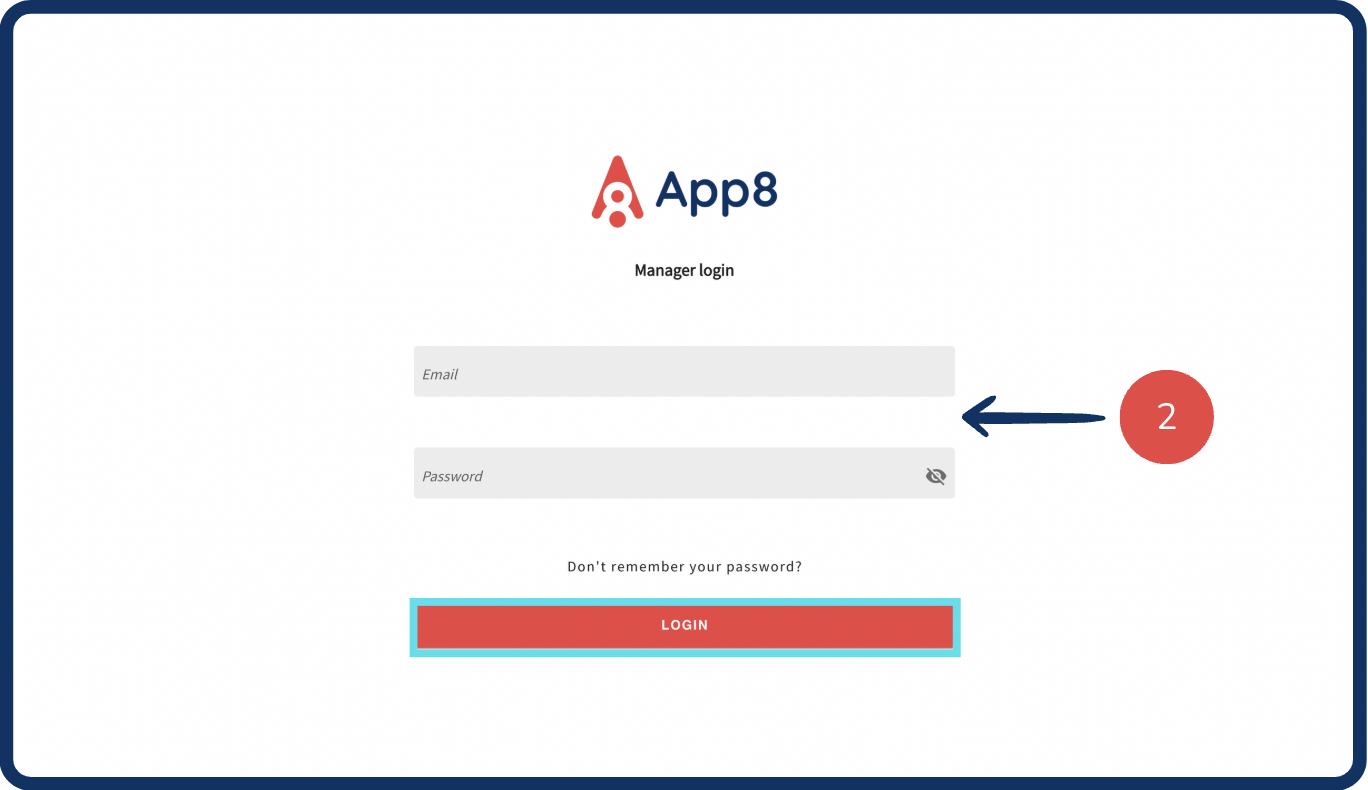
Go to the Menu Manager.
Enter your credentials and login.
Mark items as "Out-of-stock"
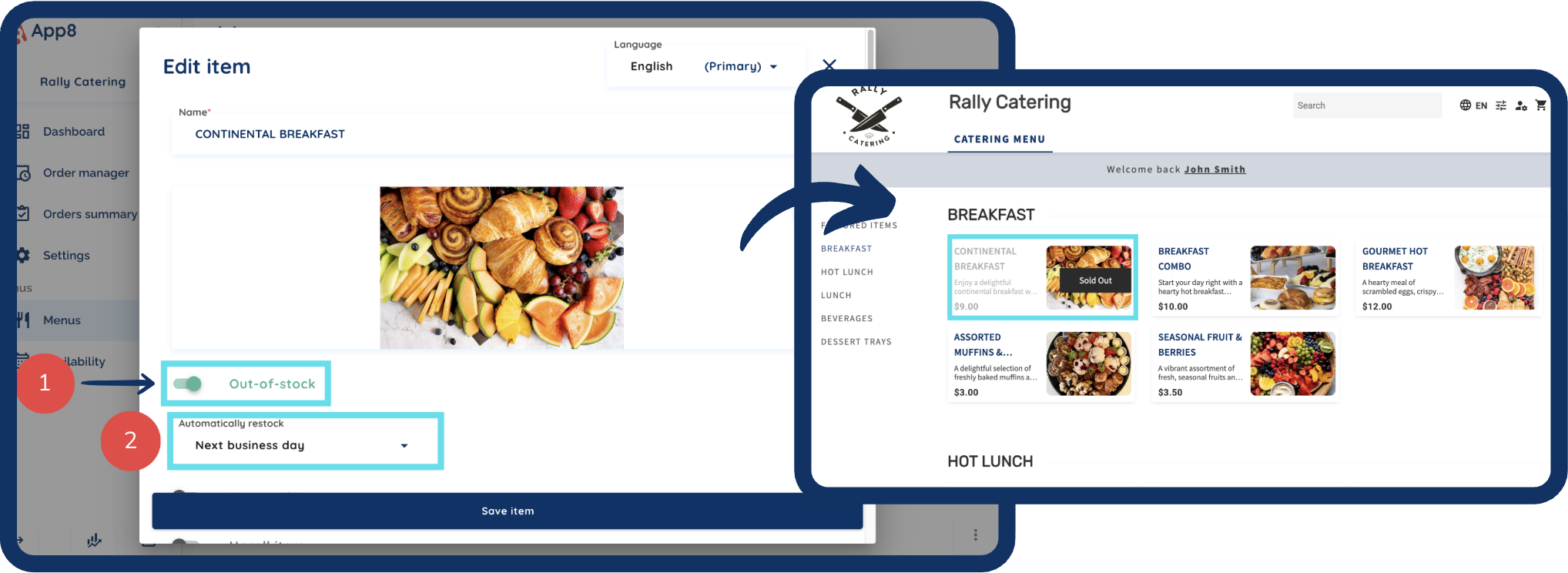
Use the "Out-of-stock" toggle that is on the items edit page to mark an item as unavailable.
The item will remain out of stock until you manually disable the toggle or enable the "Next business day" restock option for automatic availability.
Was this article helpful?
That’s Great!
Thank you for your feedback
Sorry! We couldn't be helpful
Thank you for your feedback
Feedback sent
We appreciate your effort and will try to fix the article